
JS Service Worker: Batch Fetching Network Requests for Images - Part I
The blog is related to my previous post: A Look into Synology’s Photo Station app where I pointed out a performance issue. Please refer to that article for some background information. In this two part post, I’ll try to implement a solution to deal with the issue. By altering the way network requests are made, we could greatly enhance the user experience and make better use of the computation resources in the Synology NAS. Although the code will be tailored for boosting the performance of the Photo Station app, the general principles or techniques in the implementation should be applicable in different settings as well.
Table of Contents
What exactly was the issue again?
The Synology Photo Station app is essentially a web server that allows users to manage and browse photos and videos stored in the NAS. The backend of the app is written in PHP and exposes several web APIs to the frontend. The frontend includes a web interface (in JavaScript) and dedicated mobile apps. The web interface looks like below.

Each of the images displayed in the browser is an img tag built dynamically when a page of an album is loaded. The browser will then send out network requests based on the src attribute of img. Finally, some JavaScript code will render the image in the browser once a specific request gets a response in full. In an album called “building”, there are roughly 180 img tags and 180 such network requests. The page loading looks like the following screen recording.
Although the app’s JavaScript tries to smooth out the rendering by implementing some UI animations so that the delay appears more “natural”, it’s still very bad user experience to wait all the photos to load. Also, these are not really the photos in their original size either, these are thumbnails of the originals. Each of the thumbnail is roughly 50kb to 100kb. In the Network tab of Chrome, it shows the page’s network requests get fully resolved around 60,000ms (1 minute!).

A closer look
The performance issue has become increasingly noticeable over time as my photo library grows larger and larger. Some of my albums (such as family trips) might contain thousands of photos or videos and it seems the server really struggles to serve those contents. Right? But not quite, after some probing, I found the server actually has ample computing resources to deal with the app and it’s simply that the app does not utilize that efficiently. While the user is waiting for the thumbnails to load, the server has a hard time keeping up with the large volume of requests coming in even though each request is small and trivial to serve. Since the web server probably only runs single-threaded. Requests have to be queued up while the server is processing one request at a time.
On the other hand, in the browser, many requests are also queued and only get sent out after previous ones are resolved. Understandably so, the JavaScript code making these requests also runs single-threaded! About half of the requests were initiated after half minute, as shown in one of the fetch requests below.
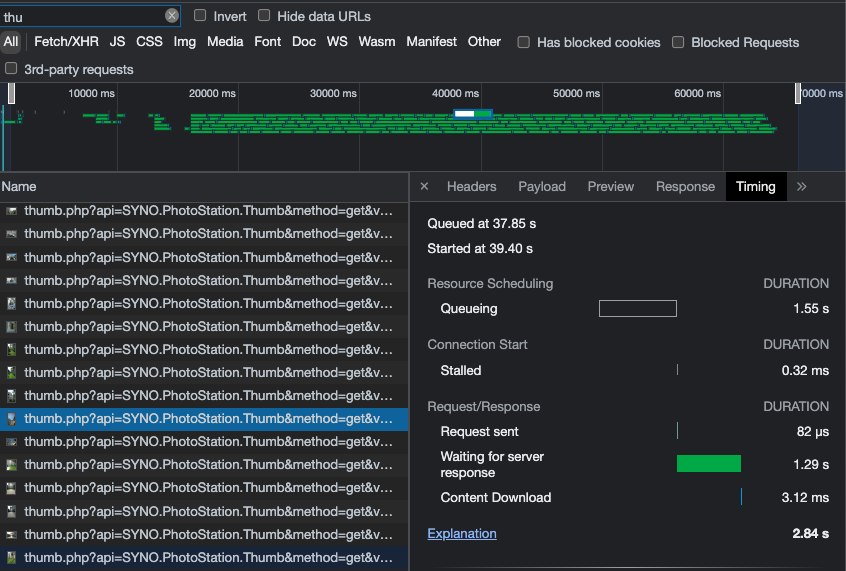
Although each fetch request is trivial and can be resolved easily by the server, hundreds, or thousands of them make the dynamic entirely different. The overhead of sending and responding http requests in such large quantity is the real issue here.
Searching for a solution
While there might be a few ways to address this problem, one of the solutions is to group together network requests and send requests in batches instead. For example, if the browser can group together 30 requests in a batch, then 180 img tags will only need 6 network requests instead of 180. The rest is implementing the proposed solution. But first, let’s look at the result after the implementation. Below shows the screen recording after batch fetching is in place.
That’s it! The page is fully loaded in about 10,000ms (10 seconds). The network request diagnosis shows each request takes longer to resolve (of course) since each response now ranges 2mb to 4mb in size. However collectively, the page renders much faster.
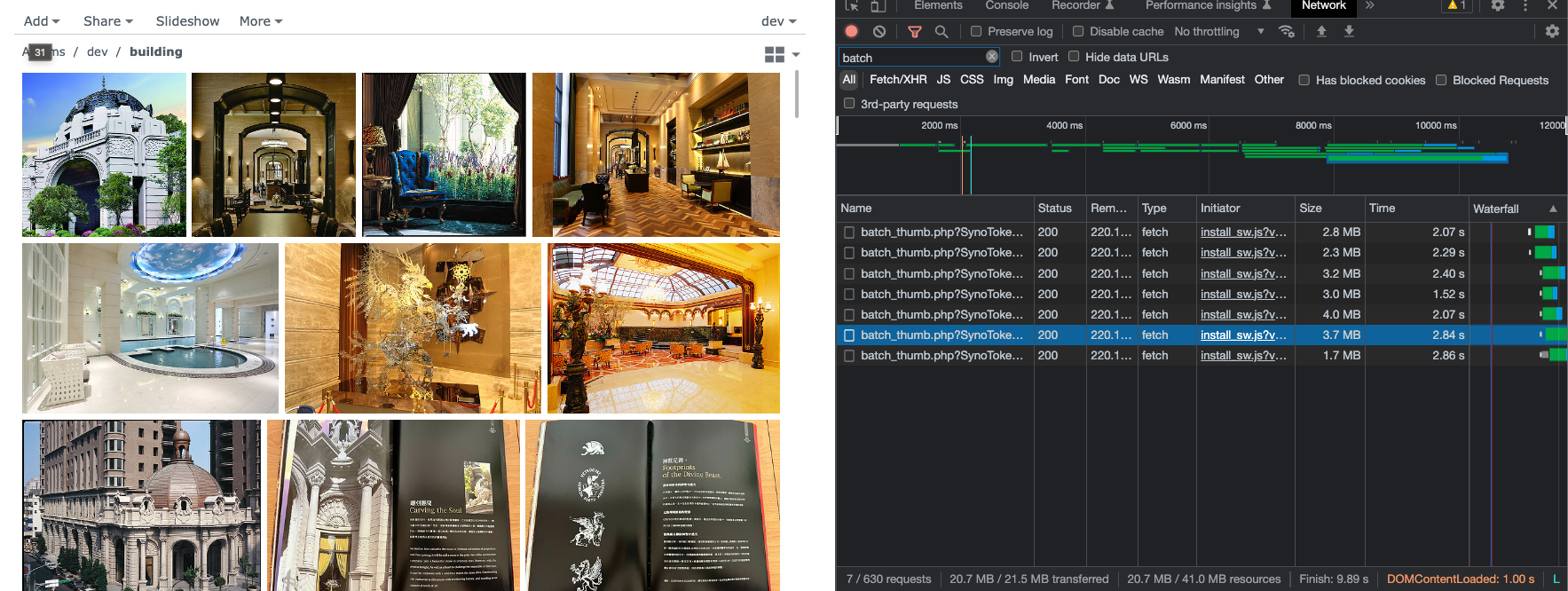
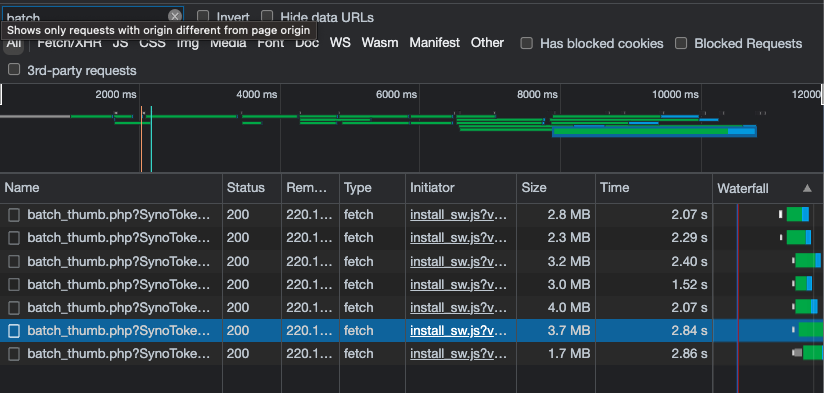
To be fair, my initial implementation shown here bypasses some of the checks the server enforces on a regular thumbnail request (such as checking whether a request is pointing to a valid file in the NAS filesystem). Nevertheless, the solution seems really promising and worth exploring further. In the second part of this post, I’ll discuss my implementation in detail. Read on if you are interested!